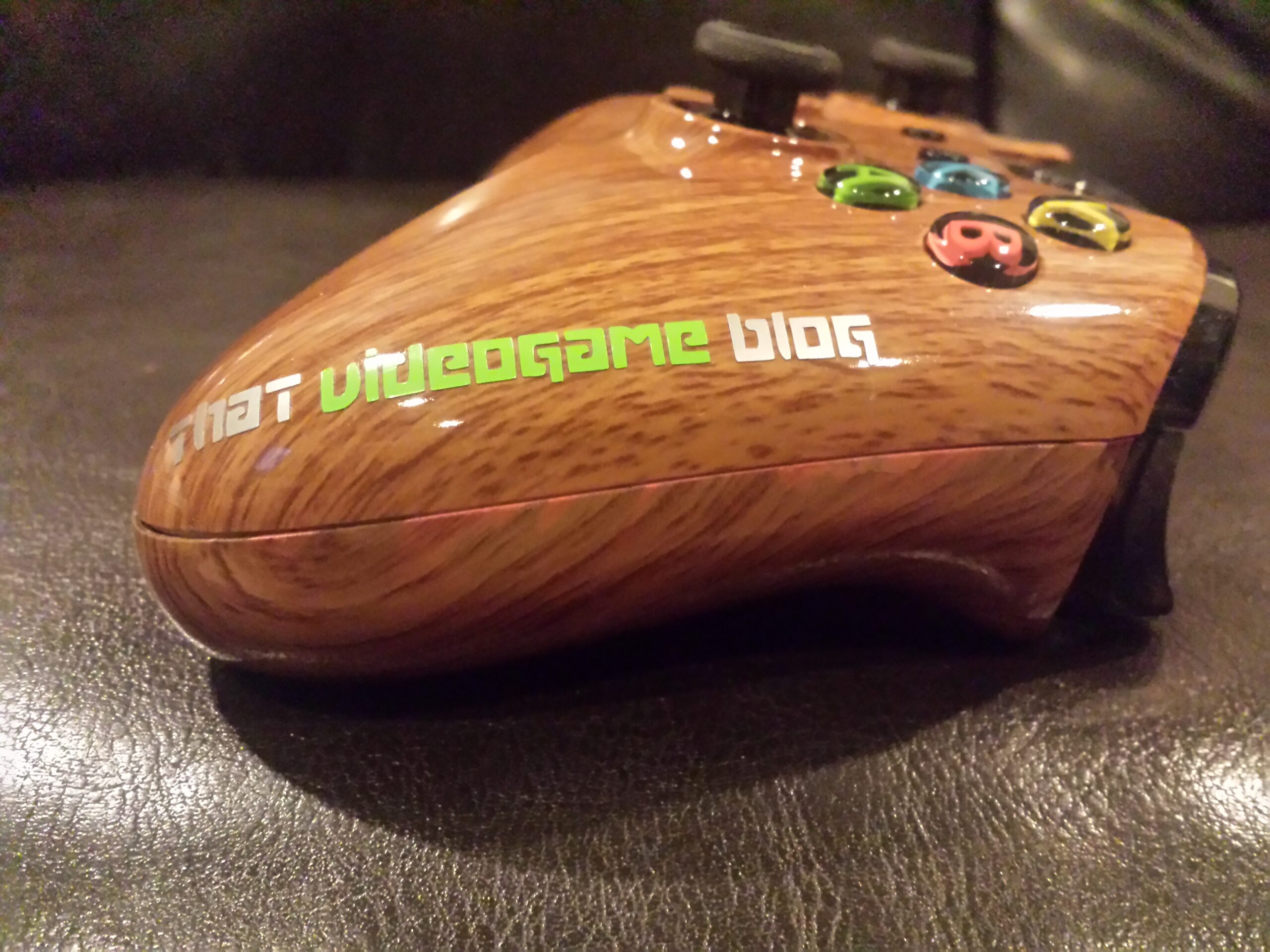

The world of modded controllers has always been a mystery to me. I never delved into trying them out, even though I am a big fan of multiplayer FPS’s. So, when I was given the opportunity to review one I was delighted. I have never been a big proponent of third party controllers, but since this one is a modded 1st party controller, I felt better about it. I was anxious to see if my Titanfall skills would be raised up a notch. A couple days later I received an Intensafire Woodgrain Xbox One Modded Controller. It came with a custom green light, an X1 Master Mod Rapid Fire Package, our site’s name imprinted on the right, some accessories such as “No Scope” stickers, thumbstick coverings and a hard shell case. Needless to say I was excited and all I could think of was using it with Titanfall. I spent a few days with it and here are my thoughts.
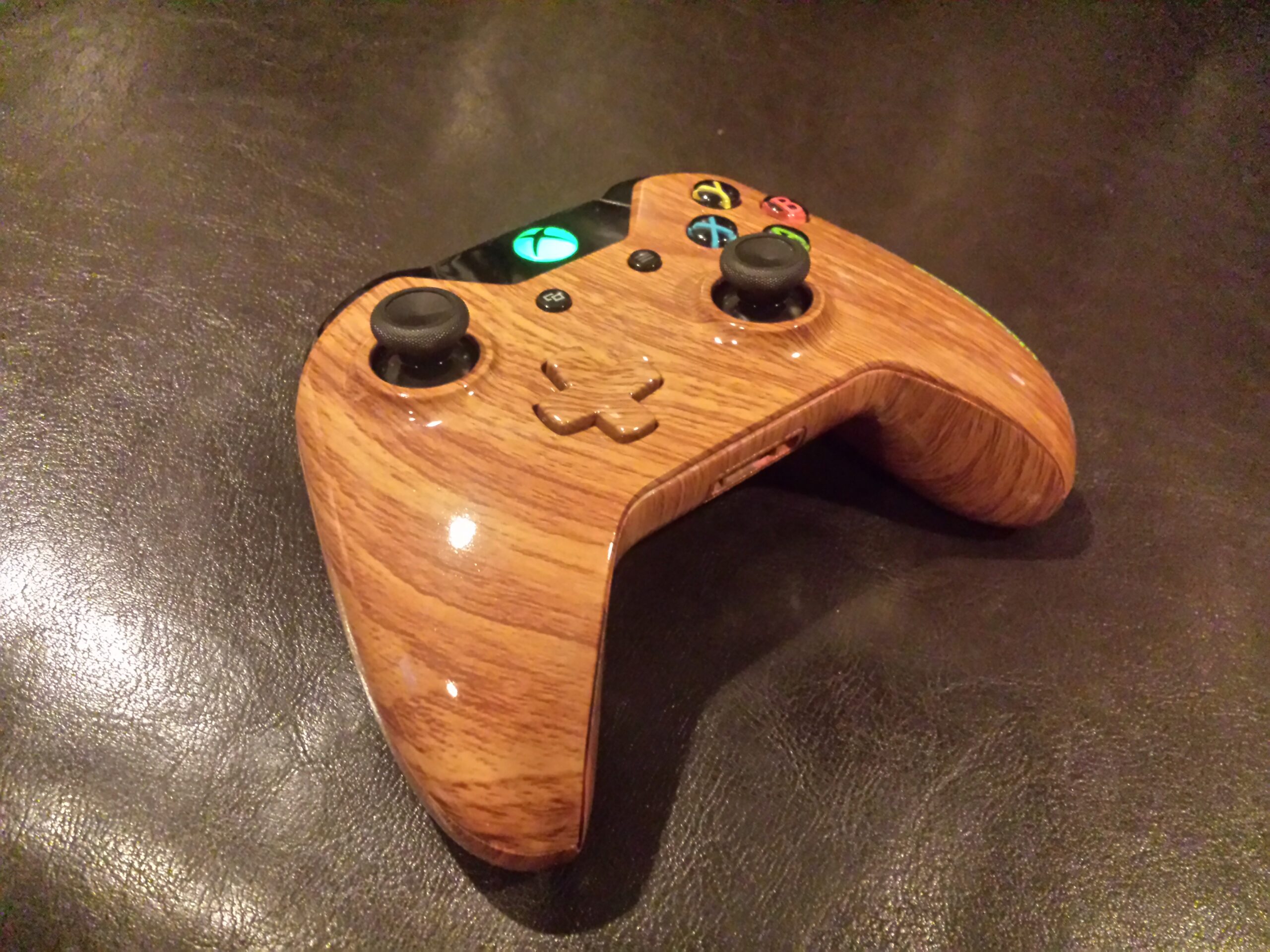
- Green light!
Look and Feel:
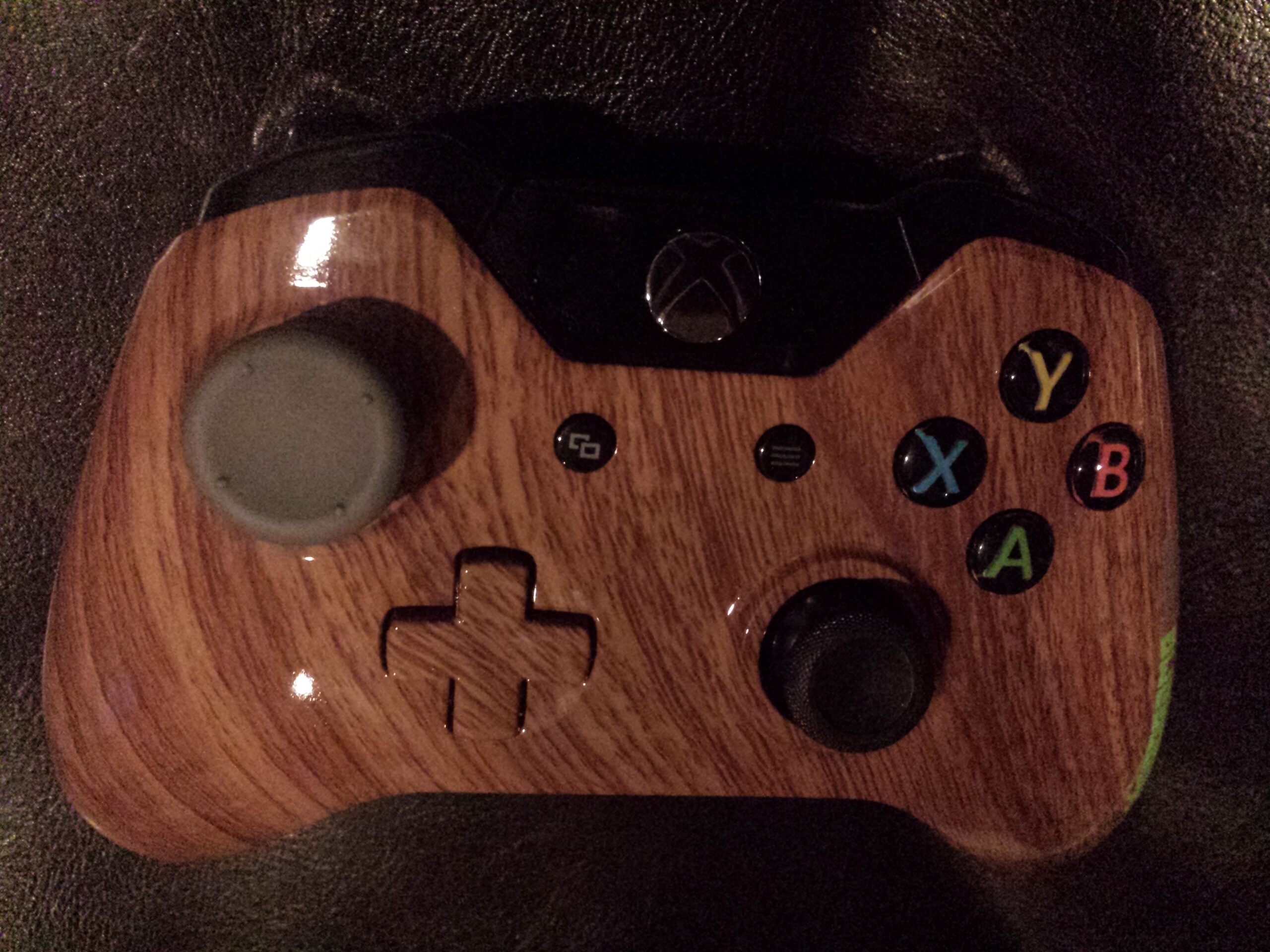
I was able to pick the coloring of the controller from the Intensafire website. The array of different colors and patterns they have available is great. Seems like they have something for everyone. After much internal deliberation I decided to go with wood grain. There is just something to having a wooden looking controller for a next generation system that struck me as awesome. The wood grain coloring looked beautiful and really makes the controller look very unique and pop. The actual coloring was done well, for the most part. Every inch of the controller is nicely finished including the indentures and crevices. There is, however, a small two inch strip on the right side that is not polished and has imperfections in the color, as well as where the mic port is located. It’s not a big deal, but taking the price into consideration I would expect pristine craftsmanship.
Unpolished strips are more of a nuisance than anything else, but more alarming is that the controller had not been properly put back together. Although the controller doesn’t feel loose, it is not properly aligned; the top of the controller where the Sync button sits has a gap that should not be there. This issue, a bit like the unpolished strip, is not damning. But like I said before, with these controllers being at least $30 over retail if not more depending on your customizations, I would expect a certain build quality as a consumer. Otherwise, everything else was fine aesthetically. The buttons and thumb sticks all are just as responsive as a standard controller and the replacement green light over the standard white light is a nice change up. The TVGB decal on the right handle also adds a very nice touch of personalization.
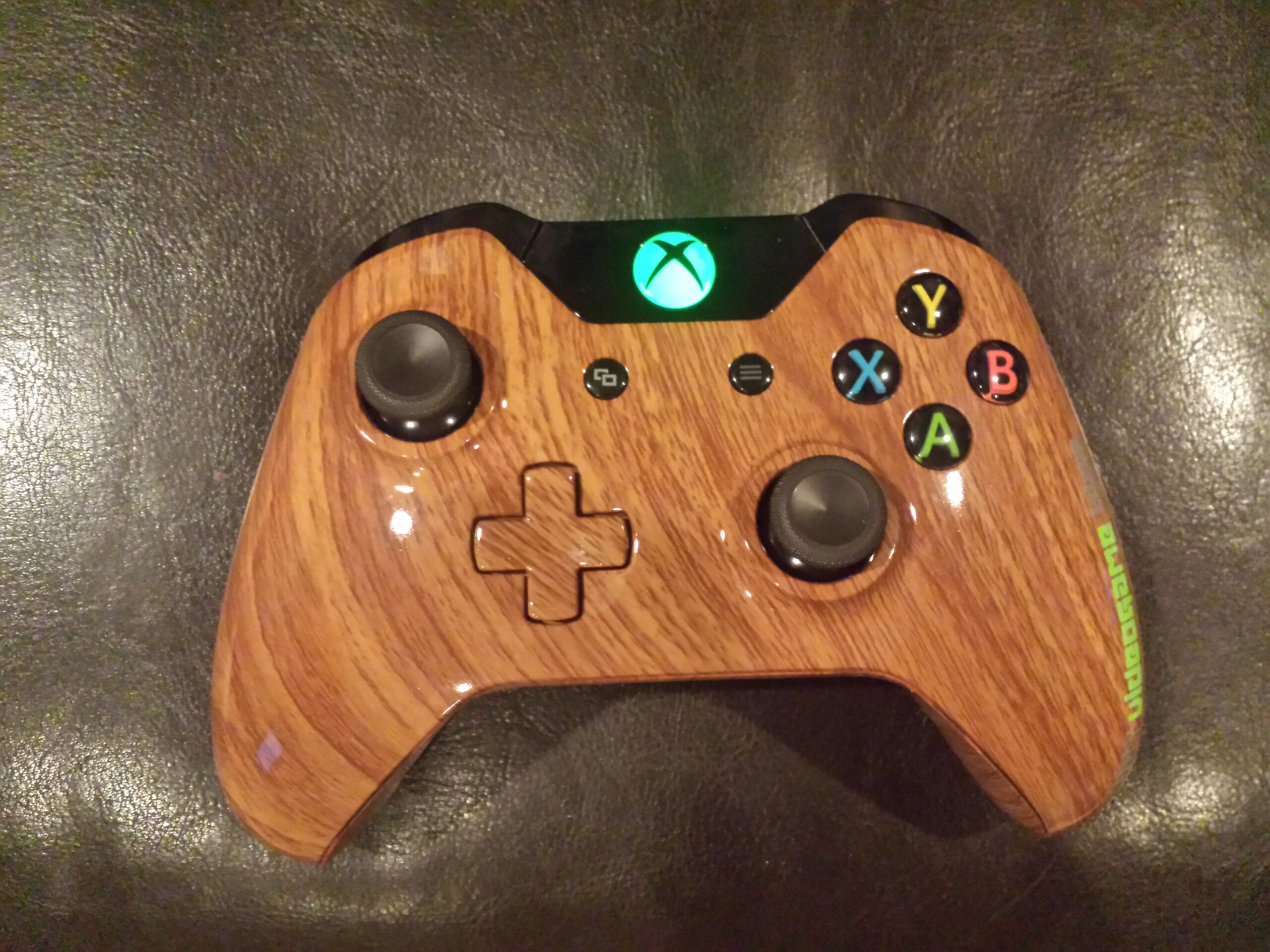
- Beautiful
Nuts and Bolts:
When it comes to quick twitch FPS’s, precision is necessary. The Intensafire handles just as well as a standard Xbox One controller, but I do have an unexpected complaint that came with customizing the look of the controller. Although it looks great, since the controller is polished it has a smoother feel than a standard controller, when I was engaged in very tense multiplayer sessions my palms were constantly slipping a bit here and there. Add a little bit of moisture from sweaty palms and it becomes even more apparent.
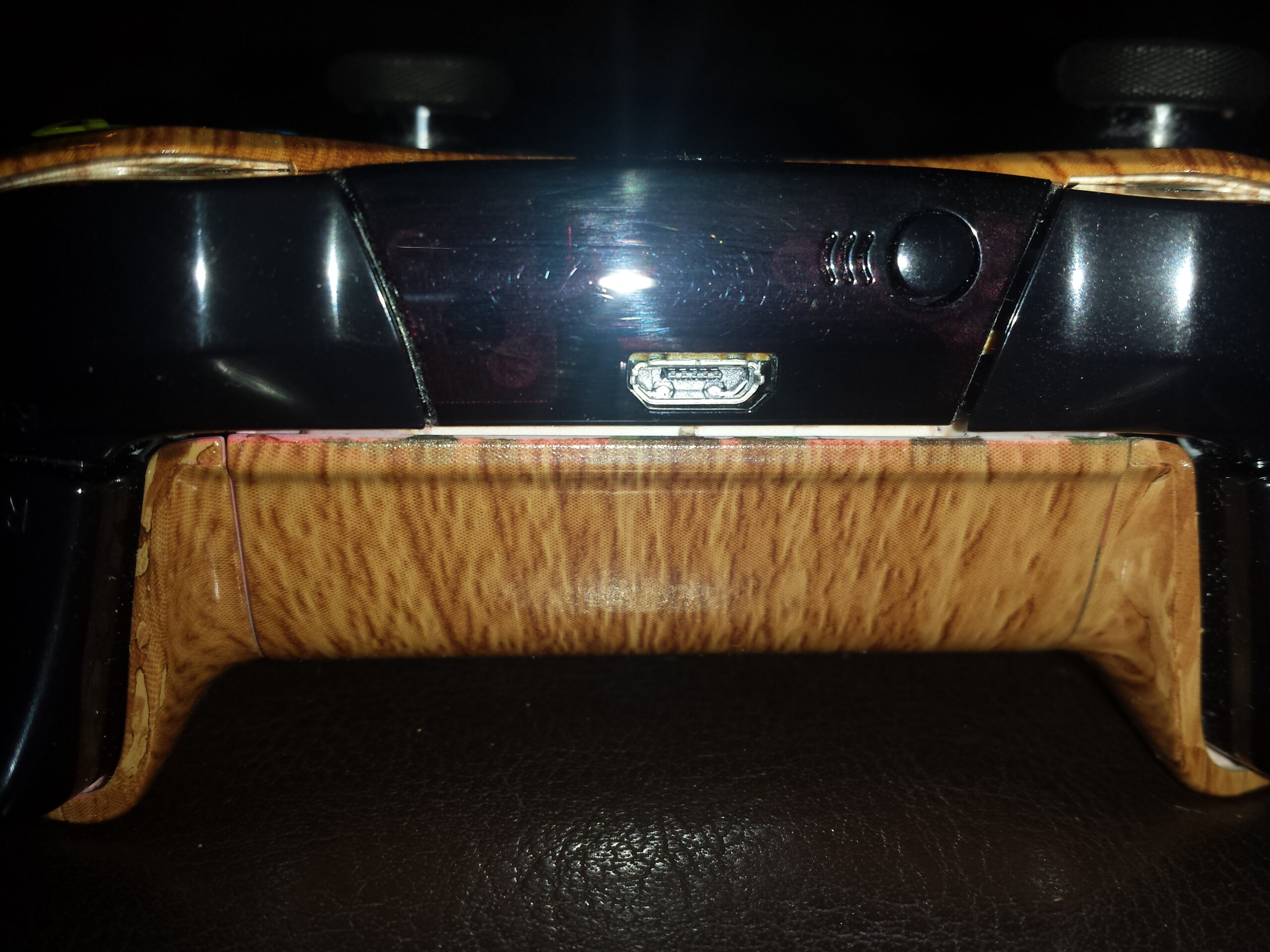
- What’s that gap doing there!?
Now, the big selling point to the controller is the modding chip installed. This chip lets you modify or manipulate certain actions in a game, mostly FPS’s. The list of mods is overwhelming, but the instruction manual is very unclear and is in desperate need of being rewritten. Terrible instruction manual aside, the sheer amount of mods are commendable. The actual entry process can be a bit annoying and painstaking since you have no real way to tell what you’ve inputted except for the Xbox light on the controller blinking in different ways. These mods are inputted using combinations of buttons usually involving the sync button.
I noticed right away that the Titanfall specific mods are not as expansive as Call of Duty games. Basically rapid fire, quick weapon switch, automatic reloading and auto aim with the sights while you fire were the only ones that seemed worthwhile. They worked well enough and did what they needed to do, but I didn’t feel like it was anything game changing. It is worth mentioning using rapid fire on single shot weapons is fun. I actually got acclimated to it so quickly that when I would switch back to my normal controller I would find myself still trying to fire single shot weapons with one trigger pull or trying to input modes with the Sync button. If you’re a fan of the Call of Duty games, I feel this controller would actually make more of a difference. The breadth of customizable options is impressive like one button drop shots, jump shots or auto sprint, but some mods only work on Call of Duty games like quick knife.
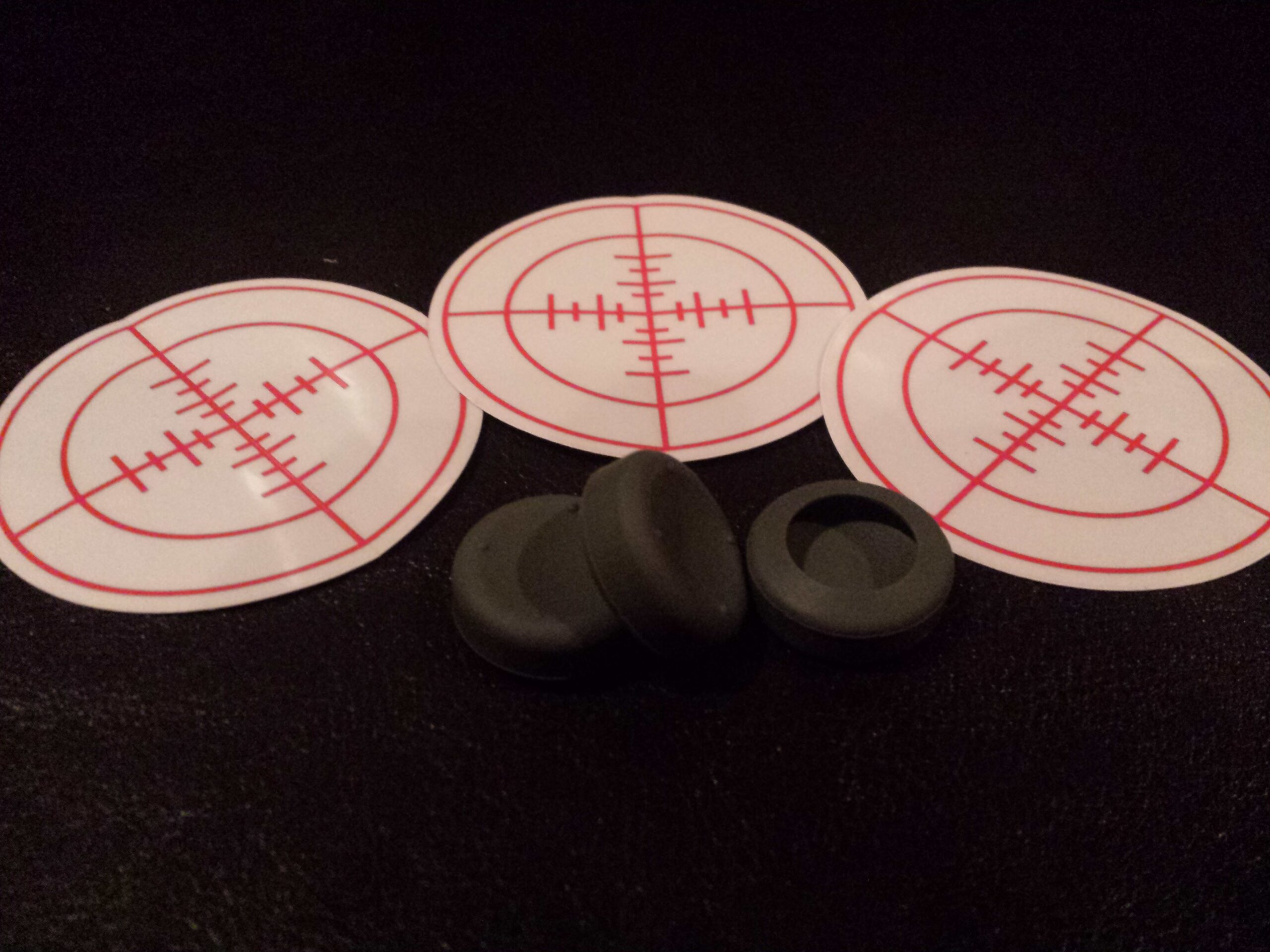
- No Scope stickers & thumbstick covers
I also received two add-ons with my controller and a very nice hard shell case that fits the controller perfectly. The first was thumbstick covers to reduce slippage on the thumbsticks and to give them a larger surface area. I first tried one on both sticks and found the cover on the right stick would slip off when I would aggressively jam on that stick, which in a multiplayer FPS is no good. I moved the right stick with more speed and force compared to the left stick so I decided to try the cover on just the left stick. I affectionately referred to this set up as “Michael Jackson style” since I only had one “glove” on. I was more comfortable like this and felt I still had the precision of the smaller thumbstick on the right with the wider thumbstick for comfort on the left. All in all I could play like this but it didn’t feel markedly different.
The next add on was the “no scope” transparent sticker you place around the middle of the TV screen. I had seen these before and thought they were silly. To my surprise they were actually helpful. They have the same effect of a red dot laser in a Call of Duty game. Even when not looking down the sights you know exactly where you’re shooting from the hip since the red laser serves as a guide. The sticker does this also by you always having a visual guide on screen, literally, of where you’re shooting without having to look down the sights. The sticker didn’t seem distracting which was also good. I did notice when the action sometimes got frantic in Titanfall, I would just forget it’s there. It’s a nice addition, but again nothing game changing.
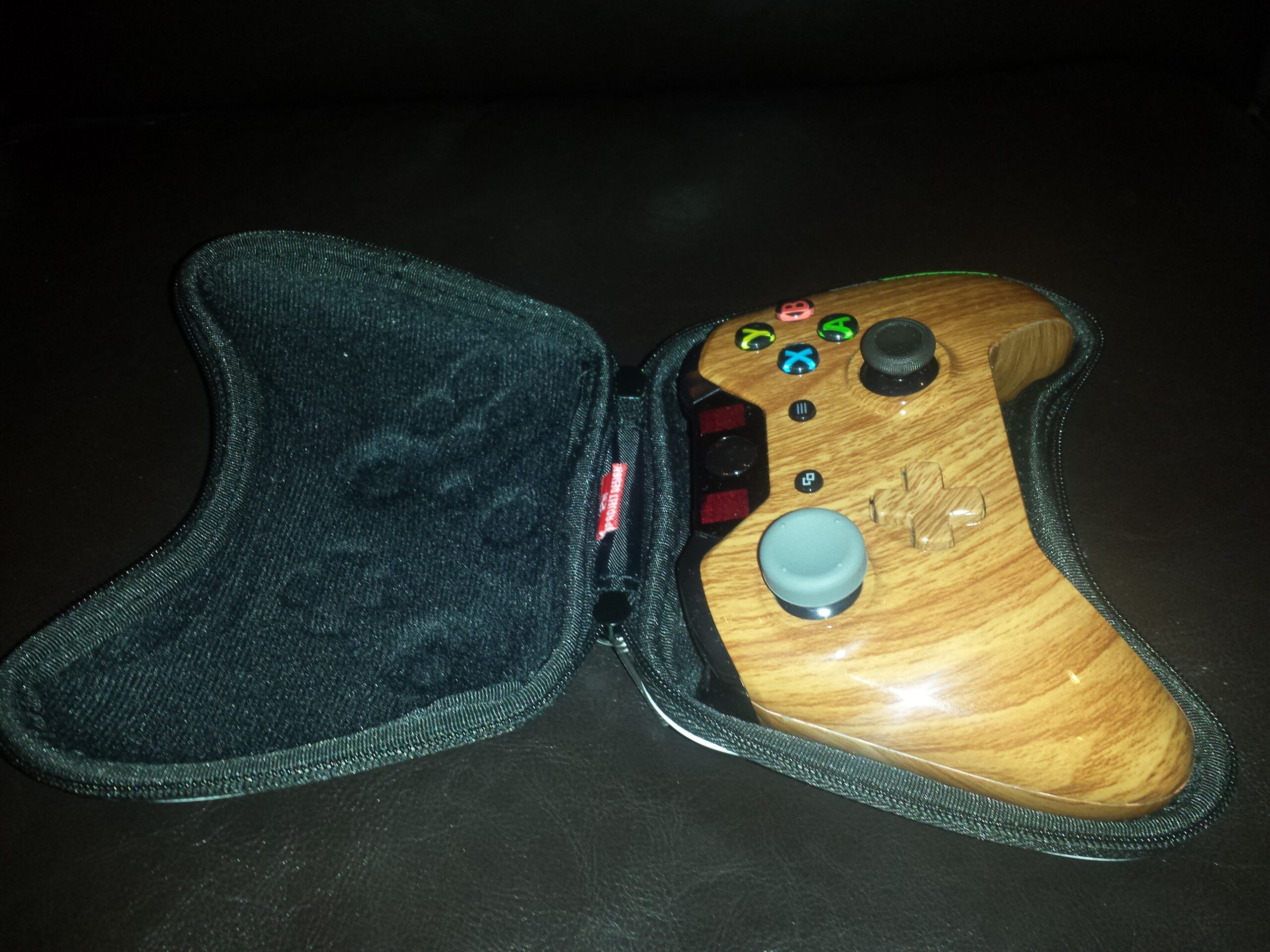
- Perfect fit
Lastly, I wanted to address an issue that is a deal breaker for me. Maybe it’s just the controller I got shipped, but the mic port at the bottom works sporadically if ever. One minute the mic would work and the next I would hear others through my TV speaker because the sound was not piping into the mic anymore and no one could hear me. I was using the first party mic that came with the Xbox and when I used it with my standard Xbox One controller it worked perfectly. Also, the mic attachment feels a bit loose and doesn’t lock into place the way it does in my standard controller. Needless to say this was incredibly frustrating. I tried several times to see if this was a one-time problem, but if it started working it would eventually stop.
To buy or not to buy?
Overall my experience with the controller was just okay. I felt like I had more lows than highs with it. The mods were nice as were the additional accessories plus it looks great, but with the cosmetic imperfections, slippery feel, limited Titanfall mods and the non-working mic port, I just can’t justify paying all that additional money above retail. Now, to be fair, my experience would have possibly been different had the mic port worked, I played COD Ghosts (the only COD game currently on the Xbox One) and I didn’t get a custom paint job, but that’s very specific (not including the working mic port, that should always work) and if that’s the case, what’s the point in buying a custom controller? Regardless, a shoddily reassembled controller is still inexcusable for the money they are asking. Maybe down the line when more games are supported it might be different if the other personal quibbles don’t apply to you.