Contents
This post was last updated on October 1, 2026
In case you’ve been living under a rock, we’ve got some news for you – old Pokemon games are expensive! Getting the system of your choice and all the games you’ll want to play could run you about as much as a computer, something you probably already have. Luckily, with a Pokemon emulator for PC, you can relive all your favorite Pokémon games and even catch up on any that you’ve missed along the way.
In today’s article, we’re looking at the best Pokemon emulators around so you can find the perfect one for all of your nostalgic needs.
What are Pokemon Emulators?
Okay, there aren’t really any exclusive “Pokemon emulators” out there. There are, however, plenty of old-school Nintendo system emulators that you can download on your PC if you want to play Pokemon games from your childhood.
Emulators exist for plenty of systems out there, although you’d be hard-pressed to find a reliable emulator for any current-generation systems. When it comes to Nintendo consoles, we’ve found reliable emulators for everything up through the Nintendo 3ds.
For those of you who might not be familiar with emulation, emulators are a type of software that recreates the coding used in video game consoles.
Emulators aren’t actually games themselves, they’re just virtual versions of actual consoles that are harder to come across.
To play a Pokemon game on an emulator, you’ll need a ROM. ROMs are the actual code of specific games which you can upload onto your computer.
With an emulator and a ROM, you have everything you need to play whatever Pokemon game you want. So, with a Gameboy emulator on your phone and a ROM of Pokemon Yellow, you can almost completely recreate the experience of lounging on the couch with an actual Gameboy.
What are the Benefits of Emulation?
Emulators tend to have a variety of benefits, but they definitely depend on which system you’re emulating and what emulator you’re using. The simplest benefit is often an improved user interface that allows you to pause or fast-forward the game and create multiple save states.
Another huge benefit is the ability to input cheats without the need to buy external hardware like a Gameshark or Action Replay. Almost every emulator worth its salt will have functionality for cheat codes built into the settings.
With an emulator, you can play all sorts of games, even fan-made content that uses a ROM as its basis but can bring you so much more Pokemon content than you ever knew existed.
Perhaps most importantly, emulators allow you to play Pokemon games in high-quality definition beyond anything you’d get with an outdated console.
Is Emulation Legal?
The short answer here is probably yes, emulating game systems is completely legal. The long answer is that it really depends on what you plan to do once you download an emulator.
We are not legal experts by any means, so, take what we say with a grain of salt and be sure to do some more research if you want to do the legal thing. This is not legal advice, and is purely our opinion.
It is our belief that emulators are legal. Ideally, we think they should be free, and the only reason you should have to pay is if you’re buying actual hardware.
The sticky gray area is the ROMs you need to actually play Pokemon or any other franchise’s games on an emulator. A ROM is basically the full code of a game that has been ripped from an actual copy. The real big no-no here is don’t upload it for distribution.
Downloading the ROMs that someone else has uploaded is also frowned upon, for obvious reasons. Of course, there are different rulings for different cases.
We don’t suggest downloading ROMs from the internet, especially since it’s very easy for someone to package malware inside of a popular game.
Best Pokemon Emulators for Nintendo Consoles
We’ve tried out a lot of emulators in our time, but some are definitely better than others. So, we’ve pulled together emulators for all relevant Nintendo systems that you can use to play whichever Pokemon games you are interested in.
Handheld Consoles
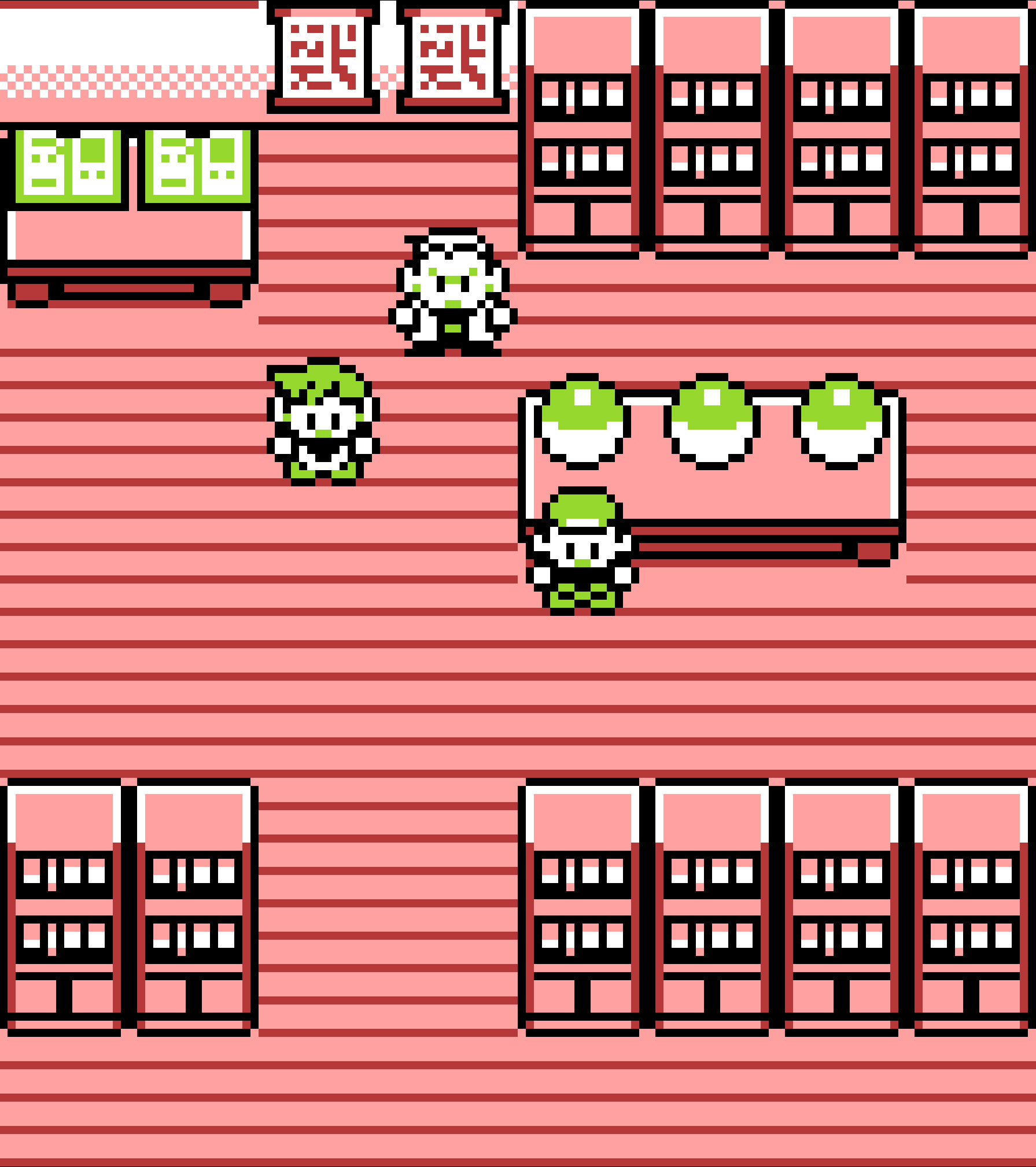
Most of our favorite Pokemon games have been released for some kind of handheld console. So, let’s have a look at what emulators you can download today!
Gameboy
Best Emulator: SameBoy
Features:
- Save states
- High-quality audio
- Game-specific color palette support
- Turbo, rewind, and slow-motion modes
- RTC (real-time clock) emulation
- Cheat support
The SameBoy is an excellent Gameboy and Gameboy Color emulator that allows you to play Pokémon games with all the classic 160×144 pixel glory and none of the cartridge issues that came with these classic handheld systems.
This emulator for PC can be downloaded for Windows or Mac OS and, since it’s an open-source program, you can even download the source code and tinker with it if you’re more technically inclined. Of course, the open-source nature of this means there has been plenty of opportunity for improvement.
The current version of SameBoy has plenty of features that make playing Pokemon games even better than they were on an actual Gameboy.
Gameboy Advance (GBA)
Best Emulator: mGBA
Features:
- Save states
- High-quality audio
- Frame skipping
- Recording
- Scripting interface
- Connection to Dolphin (a Gamecube emulator for PC)
- Connection between multiple consoles
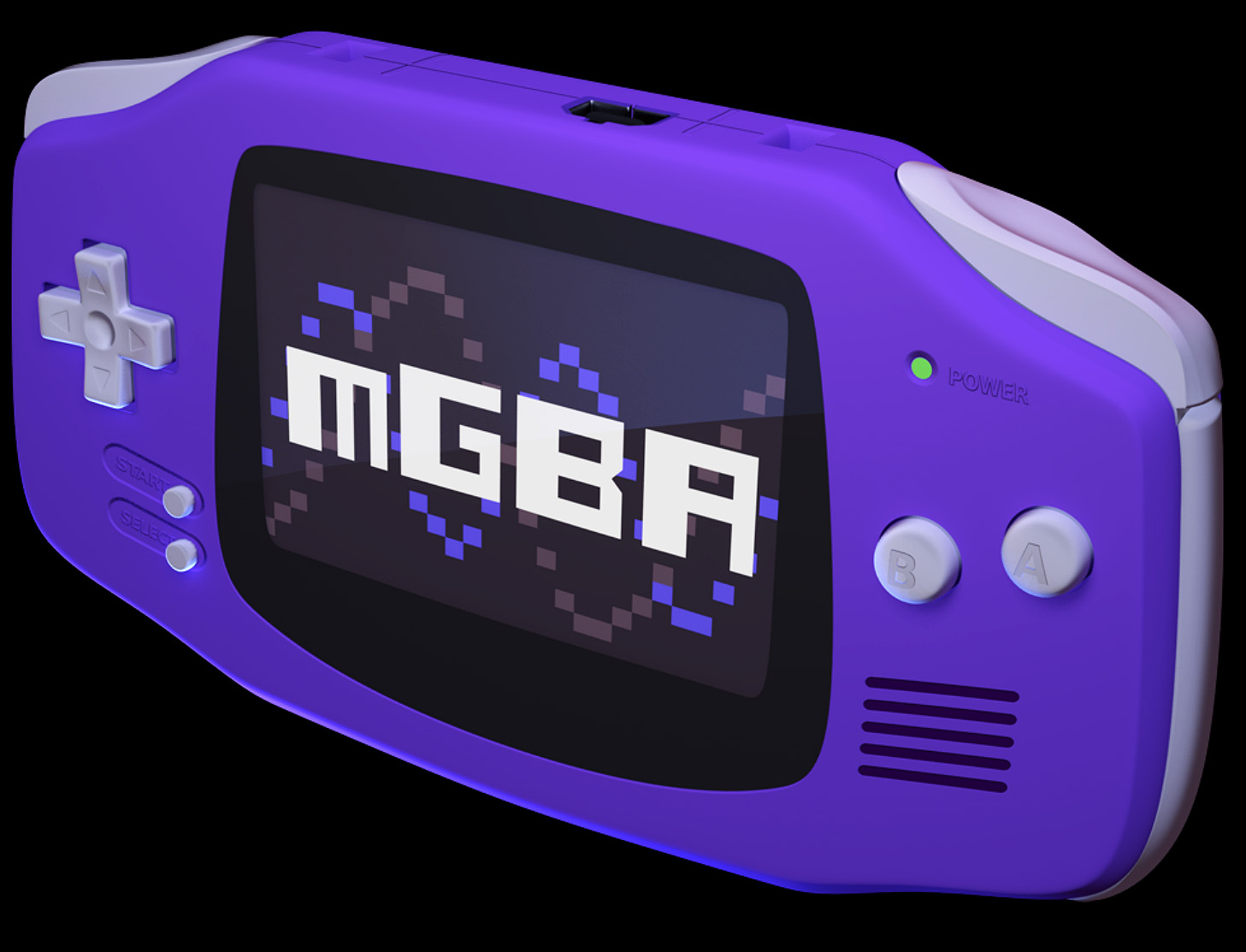
The mGBA emulator, not to be confused with the My Boy emulator for android phones, is a fantastic emulator with a gorgeously simple user interface. Simply boot up your ROMs and you can play Pokémon games until the cows come home.
The reason this comes in as one of the best Pokemon emulators, even though others like VGBA and NO$GBA might have a bit more functionality, is the actual interface. The creators of mGBA have clearly designed this to play games first and tinker later.
You can even open up two games if you want to trade pokemon back and forth, no need to ignore trade evolutions even if you are playing on your own.
There’s a lot under the hood here, and more updates are coming out constantly so you can make use of every feature of compatible games. Fortunately, if you’re new to the retro gaming community, you don’t have to fiddle with any of the more complex features in order to get a good experience.
Nintendo DS
Best Emulator: MelonDS
Features:
- RTC
- Microphone compatibility
- Joystick support
- Savestates
- Cheats
- GBA slots
- Wifi multiplayer support
As we get closer to present-day systems, emulation becomes more difficult. Not only is the hardware we are attempting to emulate more involved, but we’ve also had less time to recreate them properly. Fortunately, MelonDS has a great team constantly working to give you the best Nintendo DS experience.
Nintendo DS games made amazing use of multiplayer, so you can definitely enjoy playing them with your friends if you convince them to download the same Nintendo DS emulator. Other DS emulators have some functionality, but we’ve found MelonDS to be the best.
Let’s not forget, since there are more Nintendo DS Pokemon games than there are for any other console, there’s plenty of opportunity for you to find your new favorite game.
Nintendo 3ds
Best Emulator: Citra
Features:
- Support for Android, IOS, Mac OS, and Windows
- Open Source
- Local wifi support
- The only good 3DS emulator
Citra may not look amazing at first but don’t go deleting the program after your first game. The built-in Disk Shader Cache will make it so your games perform far better after a few sessions. It just takes a bit for even the best emulators to reproduce the level of quality the 3DS had.
Of course, deleting this program wouldn’t make much sense if you want to play 3DS games. There are no other emulators for the hardware right now, which makes sense considering it took a team of 150 people several years to get this game to where it’s at.
Home Consoles
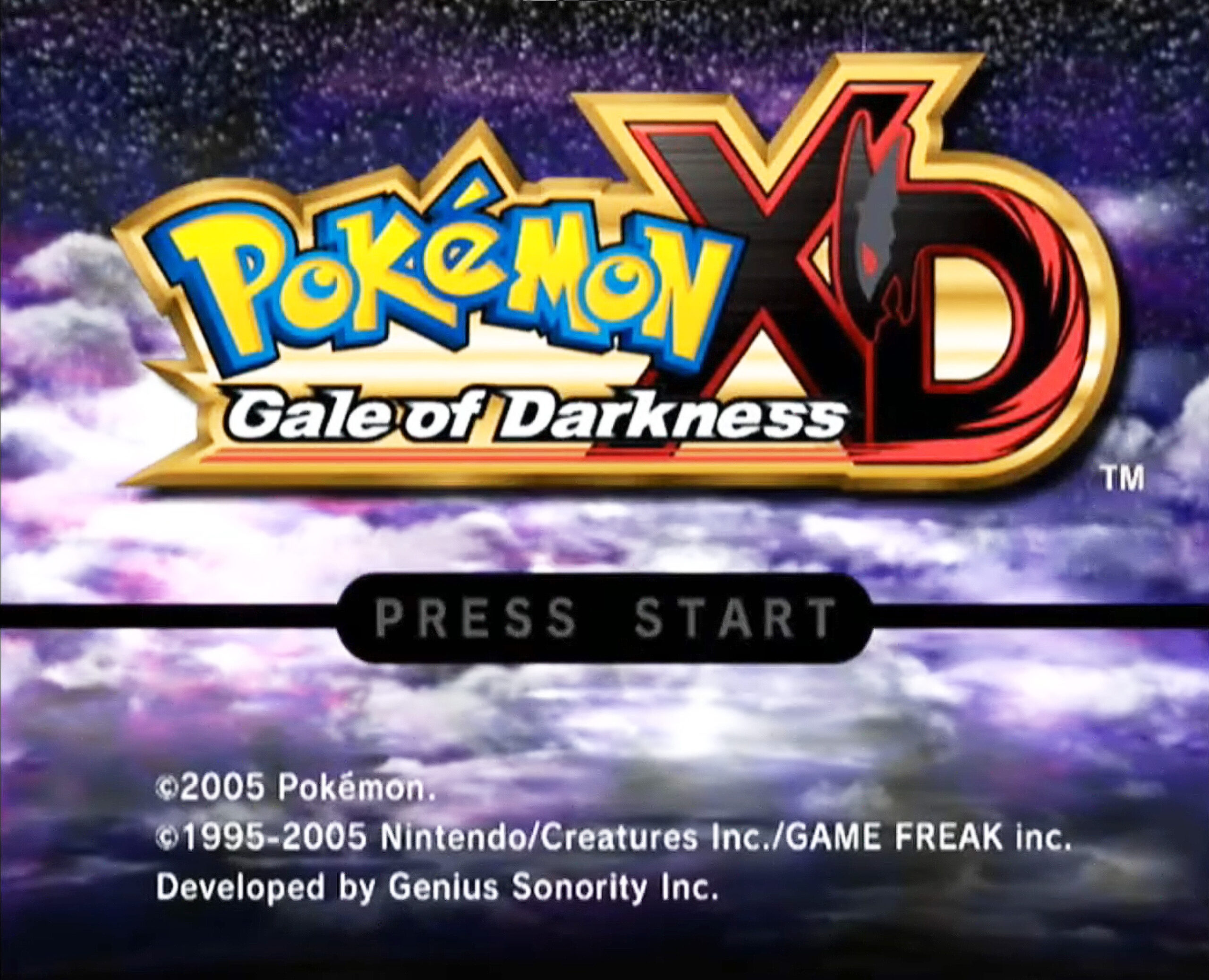
There are quite a few spin-off games in the Pokemon franchise that were released on Nintendo’s more home consoles. If you’re looking to play something like Pokemon Stadium or Pokemon Battle Revolution, these might be the option for you.
Nintendo 64
Best Emulator: Project 64
Features:
- Gorgeous, simplistic emulation
- Resolution improvement
- Texture enhancements
- On-screen display
The Nintendo 64 was definitely a simplistic console, but many of us miss that classic gaming experience. Luckily, Project 64 gives you everything you need to properly emulate classic games with ease.
Unfortunately for Mac users, this game is only windows compatible. Luckily, if you’re playing Mac you still have plenty of other Pokemon emulators at your disposal.
Gamecube and Wii
Best Emulator: Dolphin
Features:
- Compatible with mGBA
- Regular updates
- Windows, Mac, Android, and Linux support
- Gamecube and Wii emulator
- Networked multiplayer
- Full controller support
Dolphin is an incredible emulator for Pokemon games and beyond. Since we’re looking at its performance as a Pokemon emulator, we’re focused on the relatively limited set of games that were released on Gamecube and Wii.
Still, Pokemon Battle Revolution, Pokemon Colosseum, and Pokemon XD: Gale of Darkness are some of the most exciting spin-off games in the Pokemon franchise. Where other Pokemon emulators will give you the feeling of enjoying a handheld once again, Dolphin can give you the full lounging gaming experience you’d expect from a home console.
Being a Pokemon emulator that can reproduce multiple systems is definitely the most exciting feature of this game, but there is so much more to tinker with. With plenty of settings for texture caching, 3D resolution improvement, and more, this can really make you feel like you’re playing a next-gen console.
All of this, along with the ability to connect to your mGBA for cross-system trading, makes Dolphin one of the best Pokémon Emulators out there.
What is the Best Pokemon Emulator?
There are a lot of emulators out there that you can download to play Pokémon games on your PC or smartphone. But, when it comes to the best Pokemon emulator out there, we’ve definitely got to give it to the mGBA.
The Gameboy Advance may have only had five main title releases in the Pokemon franchise, but those games would go on to become the pinnacle of ROM hack potential. Just playing the classics is great, but getting to enjoy all of the incredible fan-made games put out by the community is where the real fun of playing a Pokemon emulator starts.
If that weren’t enough, the mGBA, like the GBA it’s modeled after, can play Pokémon games from the Gameboy and Gameboy Color as well. Sure, Pokémon Red, Blue, and Yellow are by no means the best Pokemon games out there, but they’re a piece of history that you can experience with this virtual console.
The mGBA emulator runs smoothly on its own, something that can’t even be said of some paid emulators out there, and there’s still plenty of room for you to tinker around so you can get the absolute best performance out of your favorite games.
Final Thoughts
We know that getting into the hobby of retro gaming can be overwhelming. Hopefully, this article can give you a place to start. You don’t have to worry about all the details of shader caches, scripting, and API packages.
Right now, all you need to do is download a good emulator, fire up the game of your choosing, and have some fun.